


 Virtual Trivia
 Virtual Escape Room
 Virtual Murder Mystery
 Virtual Coworker Feud
 Virtual Scavenger Hunt
 Virtual Bingo
 Summer Team Building Activities
 Social Wellness Month
 National Relaxation Day
 National Intern Day
 National S'mores Day
 Virtual Murder Mystery
 Virtual Bingo
 Virtual Icebreaker Games
 Online Taboo
 Virtual Cocktail & Mixology
 Virtual Food Decorating
 Virtual Tasting Experiences
 Virtual Cooking Classes
 Virtual Wellness Program
 Guided Online Meditation Class
 Virtual Yoga Class
 Team Synergy Workshops
 Virtual Paint Party
 Virtual DIY Terrarium
 Virtual Origami
 Virtual Pottery
 Virtual Marble Resin Class


Virtual Mental Health Workshop for Teams
$50USD/Person
$50USD/Person

2-1000 People

60 min

Virtual
Click to find out why teams love their experiences with us


Chosen by Leading Teams Everywhere













Have queries before booking?
Contact us, and we’ll reply in 24 hours

Why Teams Love Us
Customer Stories
Don't just take our word for it. Read what teams had to say about their experience and why they'd do it all over again.
Frequently Asked Questions

What is a virtual mental health awareness workshop?
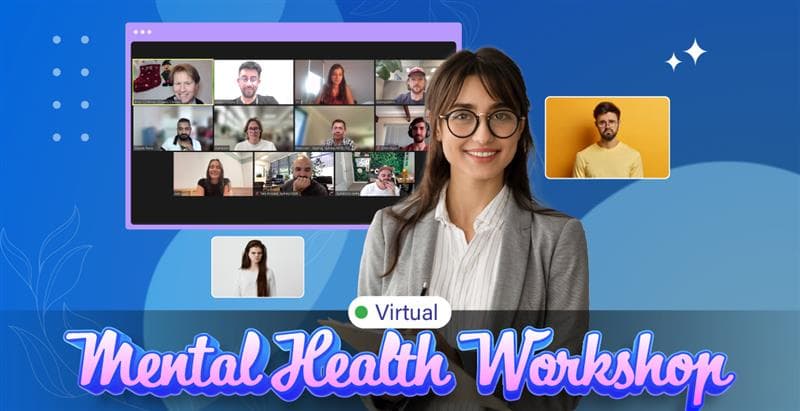
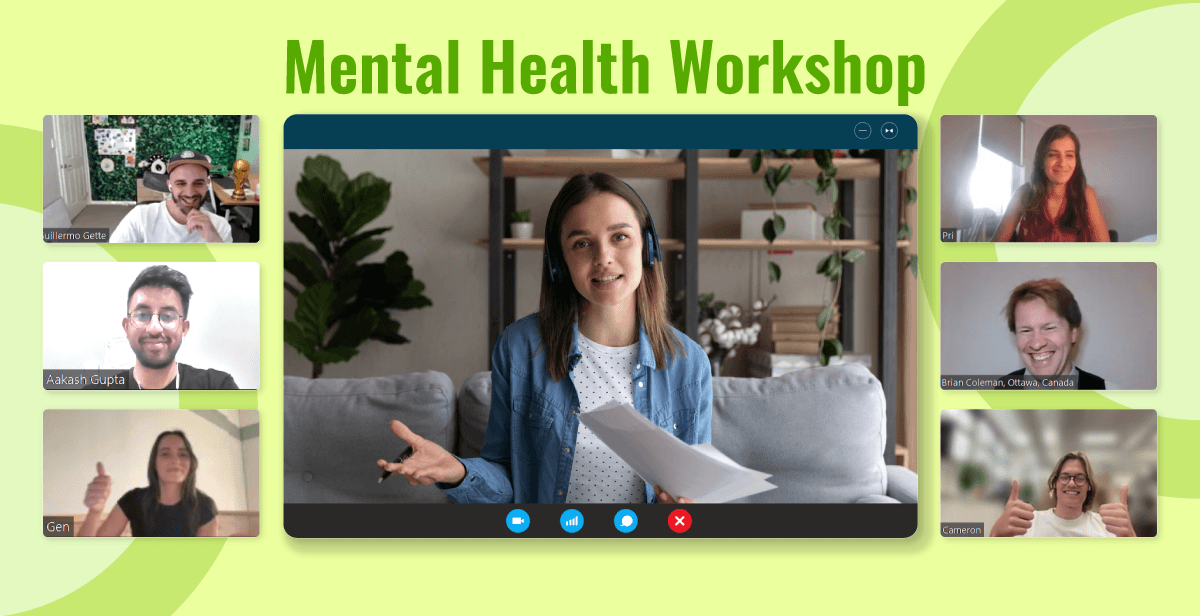
A virtual mental health workshop is an online event where participants can learn how to identify and manage mental health challenges. The session is usually conducted via video conferencing platforms like Zoom or Microsoft Teams under the guidance of an expert mental health coach. The class typically includes a self-evaluation and personalized plans to overcome emotional hurdles.
What topics are typically covered in mental health workshops and training?
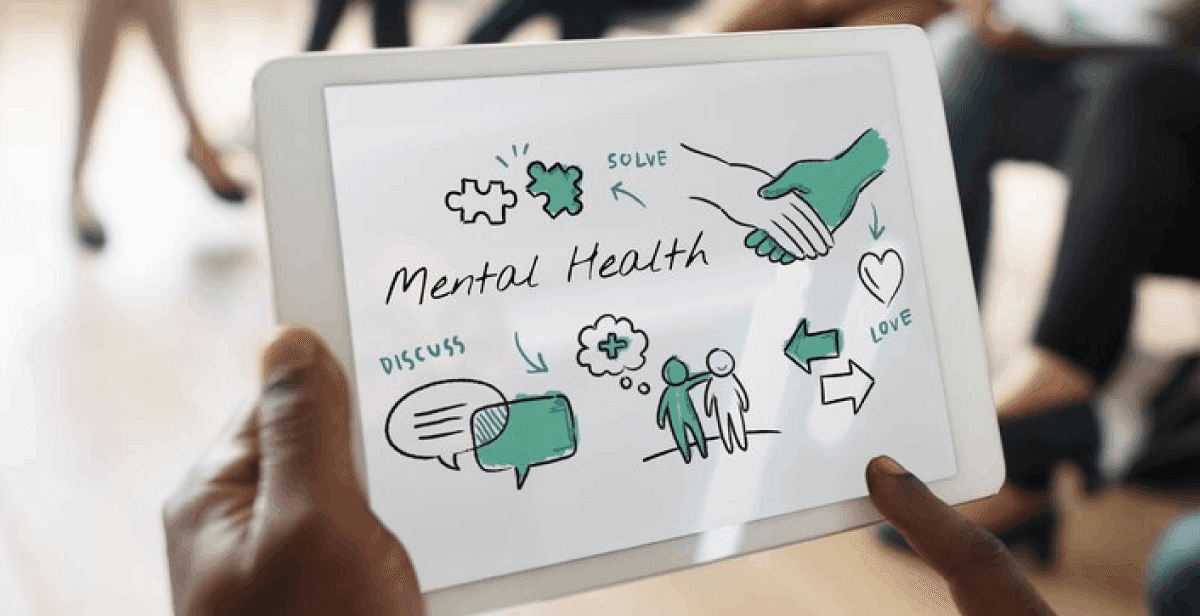
The mental health and well-being workshops may include topics such as stress management, burnout prevention, emotional resilience, mindfulness, coping techniques, and general wellness support practices.
What are good group activities to host during workshops for mental health?
Employees can participate in team-building activities such as office yoga, meditation, and dance wellness to reduce stress.
How to keep employee mental health in check?
To keep employees’ mental health in check, it’s important to create a supportive work environment where they feel comfortable discussing their well-being. Regular check-ins between employees and managers can help address any concerns and provide an opportunity for support. Hosting regular team building activities will also give employees a sense of belonging as they build stronger team bonds.
How do we host a Virtual Mental Health Workshop?
To host a Virtual Mental Health Workshop for teams, select a suitable video conferencing platform, such as Microsoft Teams or Google Meet. Assign a certified therapist to guide your team through the session. Send out meeting invites with the joining link and other necessary details so everyone can join the event. Alternatively, teams can opt for platforms like Hooray Teams to book a fully hosted session.
How do we join the Virtual Mental Health Workshop?
Our team will send you a meeting link once your booking for the Virtual Mental Health Workshop is confirmed. All you need to do is copy this link and paste it into your event invites. Team members can simply click on the link to join the session.
What do we need to join the Virtual Mental Health Workshop?
Team members just need a computer or tablet connected to a stable internet connection to join the event.
How many participants can join the Virtual Mental Health Workshop?
Our mental health online workshop can accommodate 2 to 1000 participants, making it suitable for teams of all sizes.
Can we customize the duration of the mental health online workshops?
Absolutely. Our Virtual Mental Health Workshop typically lasts 60 minutes, but we can customize the duration to fit your preferences.
Can we customize the workshop on mental health?
Yes! You can connect with our event managers to customize the session based on your team’s preferences and schedule.
What are the pricing options available on Hooray Teams?
We offer flexible pricing options to suit every team size and event type. Our individual pricing is based on the exact number of attendees, making it ideal for smaller groups. For larger groups, we offer group pricing tiers that scale with your team size. If you’re planning a kitted event that combines multiple experiences, we offer custom pricing tailored to your specific needs.
Can we take a group photo during the event?
Absolutely! Our host is happy to capture a group screenshot at the end of the event. If you’d like, we can even take photos of specific moments during the session. Just let us know your preferences in advance.
Can we get a video recording of the event?
Yes, we can arrange to record the session. Just let us know in advance so we can enable recording and share the file after the event.
Can we cancel the event?
Yes. You can opt for free cancellations up to 10 days prior to the event.

Still Confused ?
Need help picking and coordinatinga virtual team event? Let our team guide you!
Contact Us