



 Virtual Trivia
 Virtual Escape Room
 Virtual Murder Mystery
 Virtual Coworker Feud
 Virtual Scavenger Hunt
 Virtual Bingo
 Hispanic Heritage
 Halloween
 Holiday Events
 Fiscal Year End
 Fall Team Building Activities
 Labor day
 Virtual Murder Mystery
 Virtual Bingo
 Virtual Icebreaker Games
 Online Taboo
 Virtual Cocktail & Mixology
 Virtual Food Decorating
 Virtual Tasting Experiences
 Virtual Cooking Classes
 Virtual Wellness Program
 Guided Online Meditation Class
 Virtual Yoga Class
 Team Synergy Workshops
 Virtual Paint Party
 Virtual DIY Terrarium
 Virtual Origami
 Virtual Pottery
 Virtual Marble Resin Class


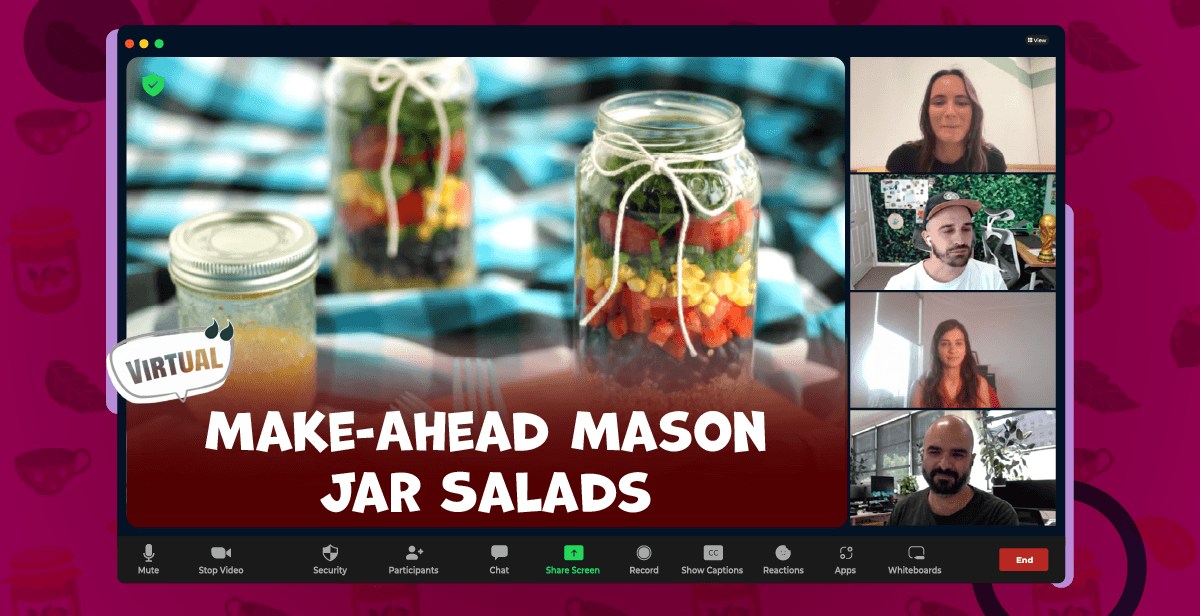
Virtual Make-Ahead Mason Jar Salads Class
$180USD/Person
$180USD/Person

Event Kit Included

8-1000 People

60 min
Event Kit Included
Click to find out why teams love their experiences with us
Chosen by Leading Teams Everywhere














Have queries before booking?
Contact us, and we’ll reply in 24 hours

Why Teams Love Us
Customer Stories
Don't just take our word for it. Read what teams had to say about their experience and why they'd do it all over again.
Frequently Asked Questions

What is Mason Jar Salad?
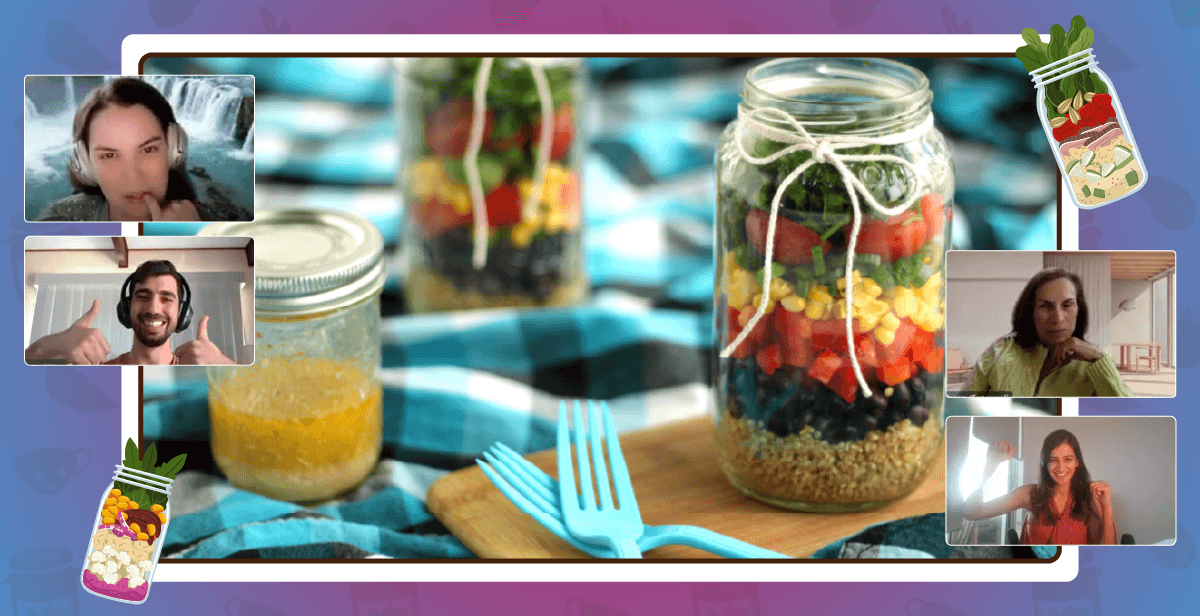
A Mason Jar Salad is a fresh, make-ahead meal prepared by layering ingredients in a jar to keep them crisp and flavorful. The dressing is added at the bottom, followed by hearty ingredients like beans or grains, and topped with lighter ingredients like greens. This layering method helps prevent sogginess, making it an easy, portable, and convenient option for healthy meal prep.
What is Virtual Mason Jar Salads Making Class?
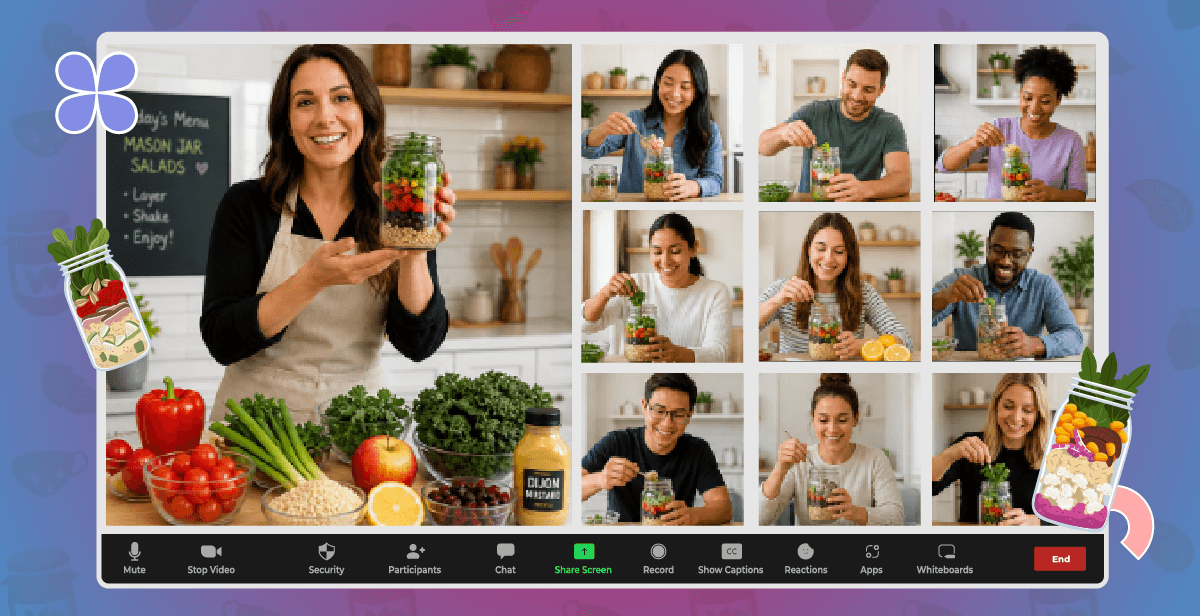
A Make-Ahead Mason Jar Salads Virtual Class is an interactive online cooking session focused on simple, healthy meal prep for work teams. Led by a certified nutritional practitioner, the class guides participants through each step of building balanced, ready-to-go salads. Participants prep, chop, and layer ingredients in the correct order to keep them fresh, while learning practical tips for efficient meal prep and storage.
How do we host Virtual Mason Jar Salads Making Class?
To host a Virtual Mason Jar Salads Making Class for remote teams, choose a video conferencing platform like Zoom or Microsoft Teams and have a professional host guide the process step by step. If the class does not include kits, make sure participants have all the required ingredients ready in advance. For a smoother experience, you can also book through virtual team-building platforms like Hooray Teams, where the event is fully hosted and kits are delivered beforehand.
Do participants need any prior knowledge of cooking?
No prior knowledge is required. The session is beginner-friendly and focuses on simple, easy-to-follow steps.
How do we join the Virtual Mason Jar Salads Making Class?
Our team will send you a meeting link once your booking for the Virtual Mason Jar Salads Making Class is confirmed. All you need to do is copy this link and paste it into your event invites. Team members can simply click on the link to join the event.
What do we need to join the Virtual Mason Jar Salads Making Class?
To join the Make-Ahead Mason Jar Salads Virtual Class, each participant receives a curated kit delivered to their doorstep with all the essential ingredients for the session. Participants should bring basic kitchen equipment such as a stovetop (for cooking quinoa), a medium pot, mixing bowls, a knife and cutting board, measuring cups and spoons, a whisk or spoon for mixing, and mason jars or airtight containers for assembling the salads. It’s also helpful to have a napkin or paper towels and a glass of water nearby for a smooth cooking experience.
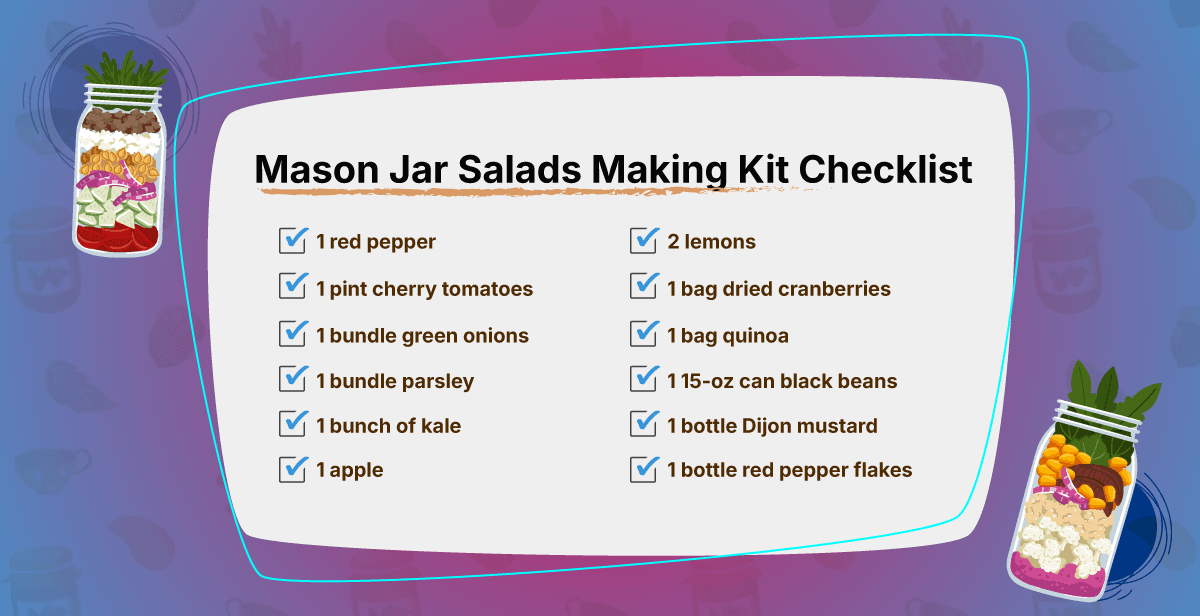
What is included in the mason jar salads making kit?
Each mason jar salads making kit comes with one red pepper, one pint of cherry tomatoes, one bundle of green onions, one bundle of parsley, one bunch of kale, one apple, two lemons, one bag of dried cranberries, one bag of quinoa, one fifteen-ounce can of black beans, one bottle of Dijon mustard, and one bottle of red pepper flakes.
How long is the Virtual Mason Jar Salads Making Class?
The Virtual Mason Jar Salads Making Class typically runs for 60 minutes. The duration can also be customized based on your team’s schedule and specific preferences.
How many participants can join the Virtual Mason Jar Salads Making Class?
Virtual Mason Jar Salads Making Class can accommodate groups of 8 to 1000 participants, making it suitable for both small and large teams.
Can we take a group photo during the event?
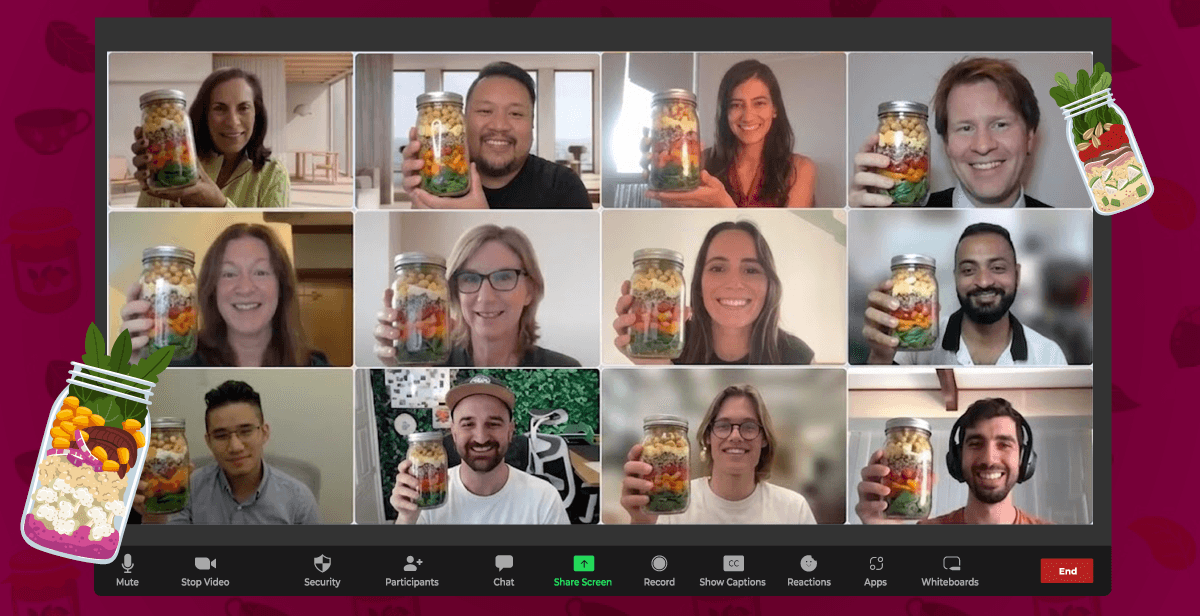
Absolutely! Our host will be happy to take a group screenshot at the end of the event. If you’d like, we can even take photos of specific moments during the session. Just let us know your preferences in advance.
Can we get a video recording of the event?
Yes, we can arrange to record the session. Just let us know in advance so we can enable recording and share the file after the event.
Can we cancel the event?
For kitted events, there is no option for cancellation once the kits are shipped to the participants’ addresses.

Still Confused ?
Need help picking and coordinatinga virtual team event? Let our team guide you!
Contact Us